← How to Use
Linux
Set up OrbiVPN on Linux
Follow these steps to install and connect to OrbiVPN on Ubuntu.
- Download Clash Verge from download page or GitHub or clash verge website and install it on your device.
- Log in or sign up on your OrbiVPN account (via website or app) and make sure you have an active plan.
- Get your config — go to your OrbiVPN user dashboard, select device then Clash/Mihomo format, and copy the subscription URL (or download the YAML file).
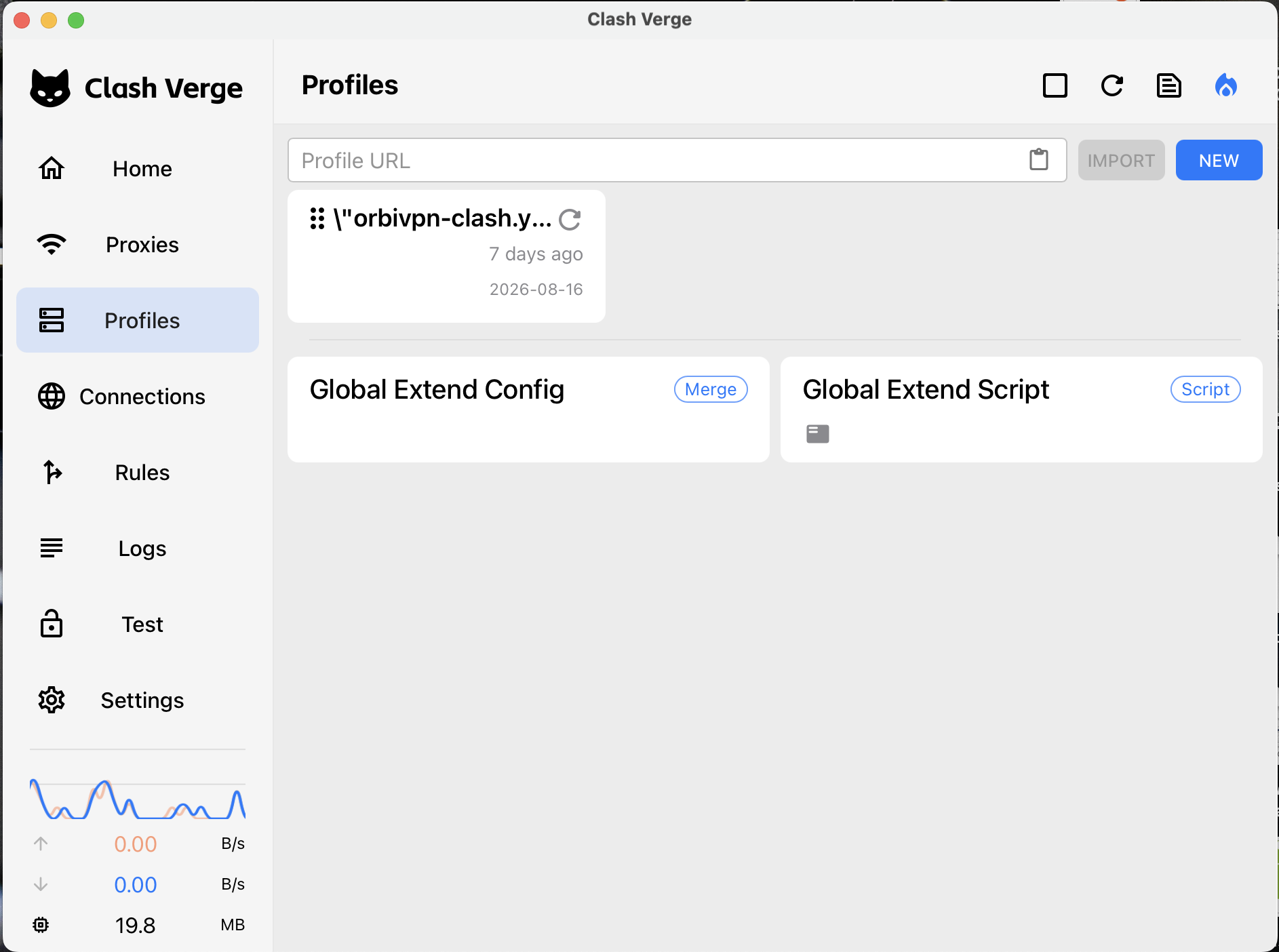
- Import into Clash Verge — open Clash Verge → Profiles → Import → paste the subscription URL (or select the downloaded YAML file) → click Save.
- Select the profile — click on the imported profile to activate it.
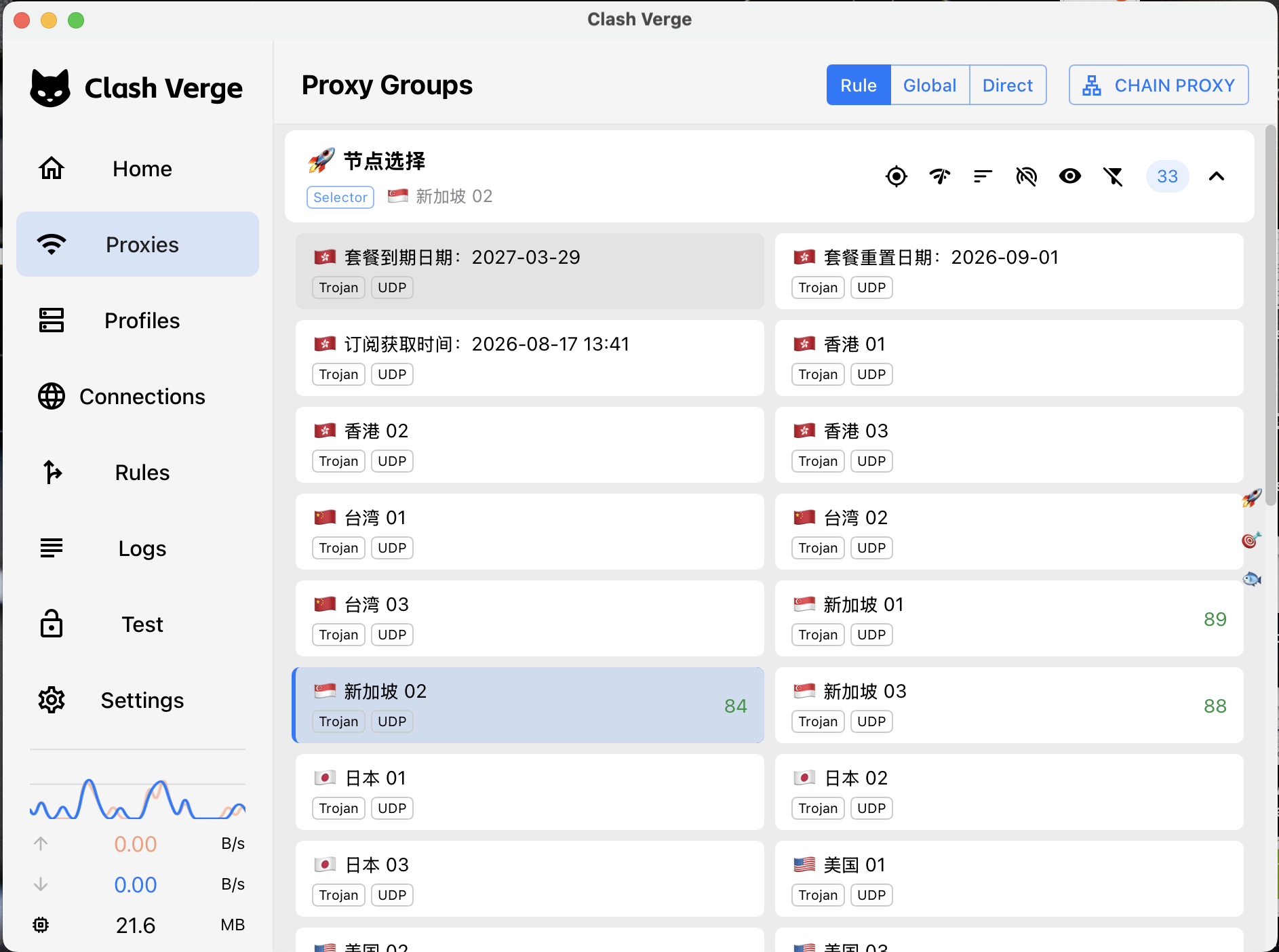
- Choose a server — go to the Proxies tab and select a server manually, or set it to Auto/Fastest.
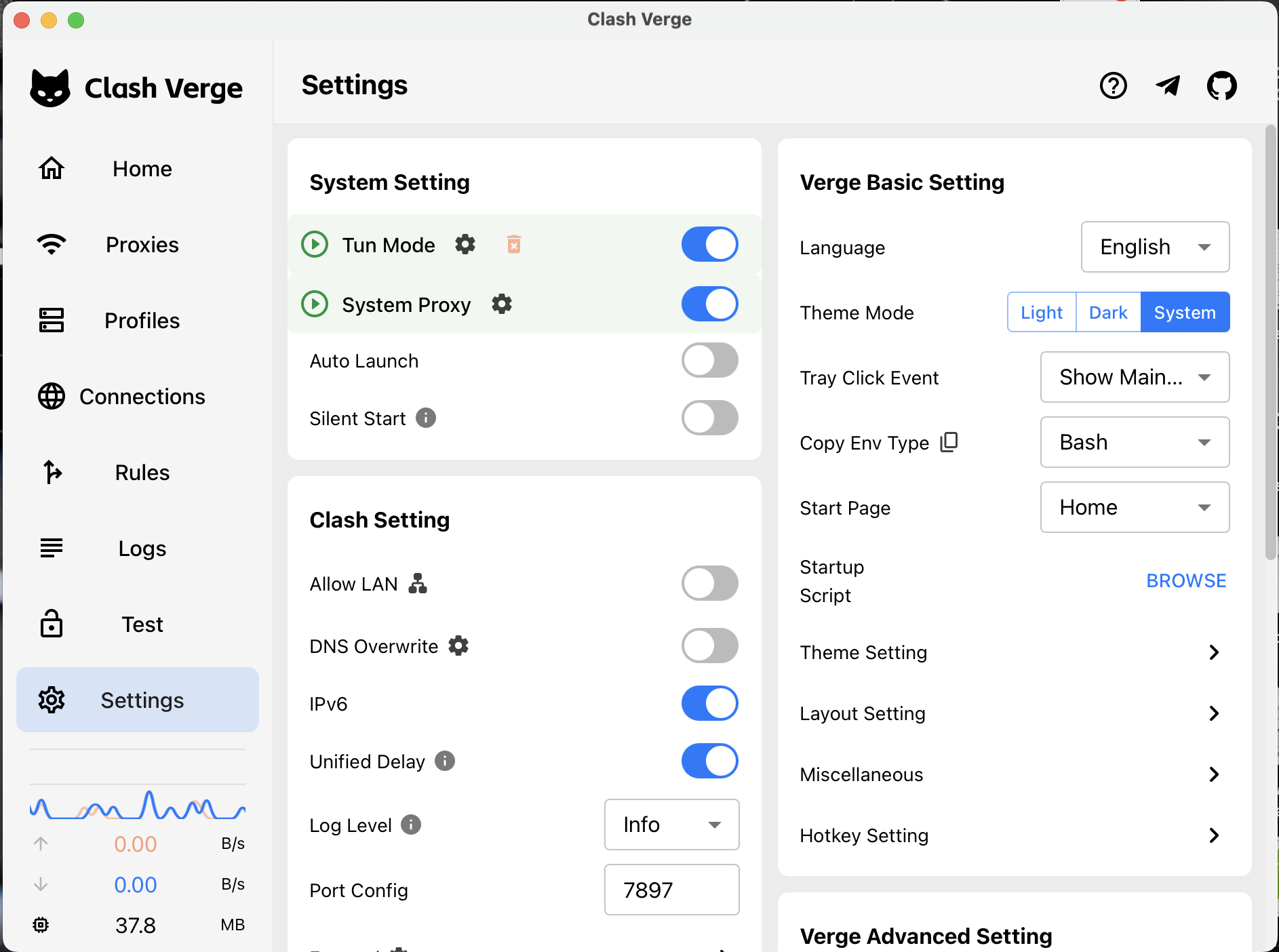
- Turn on the connection — enable System Proxy and TUN Mode from from settings
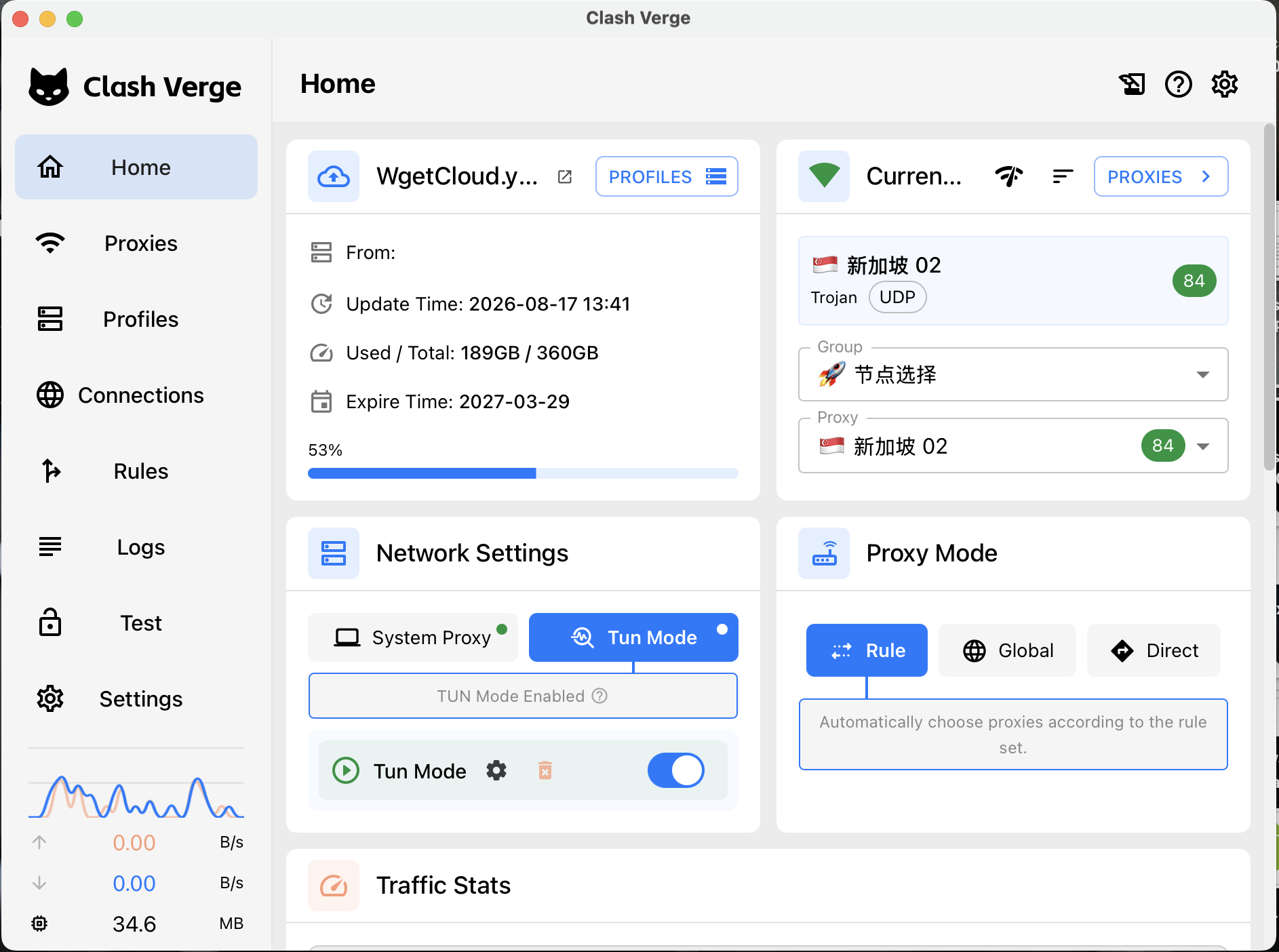
- Verify — check the connected status indicator.