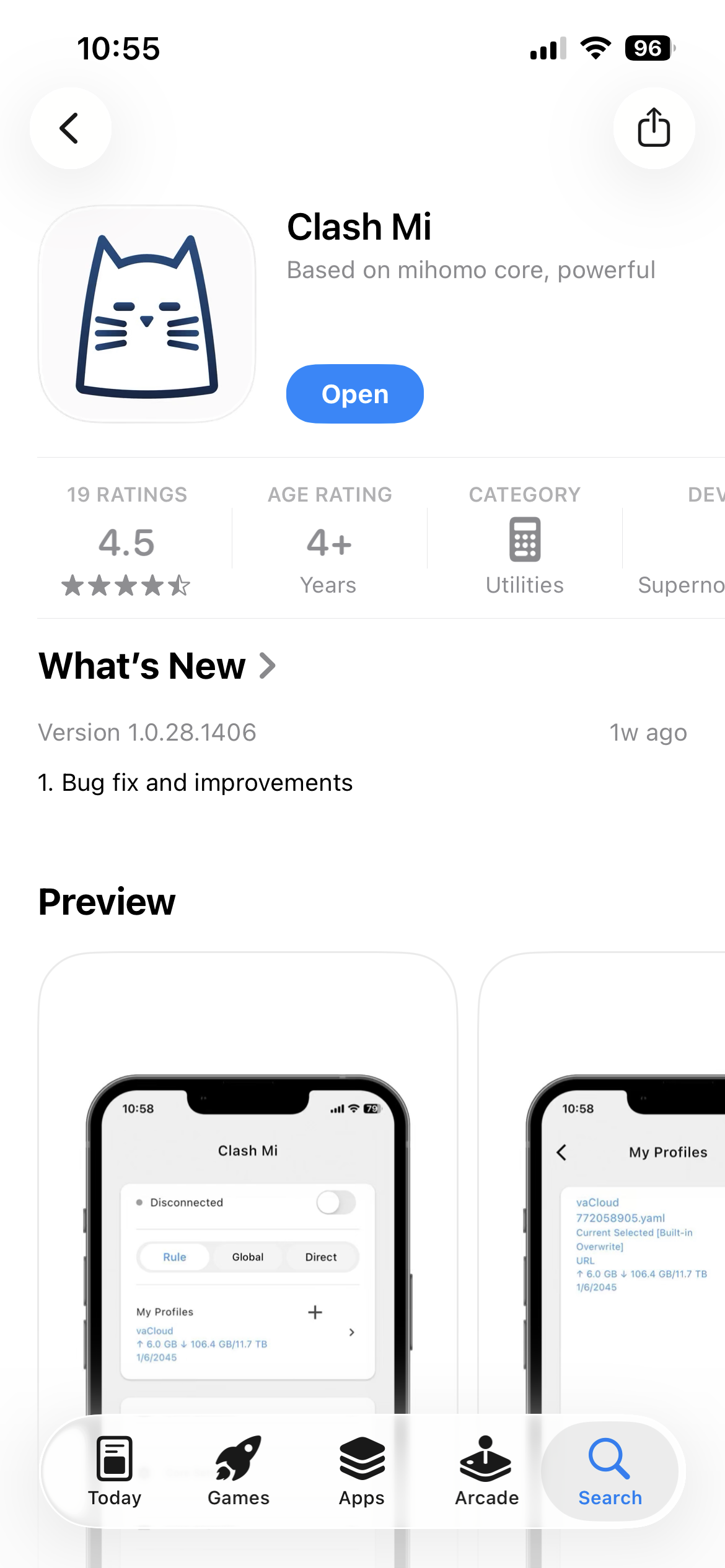
- Download Clash Mi(Free) or Shadow-Rocket(Paid) from the App Store.
- Log in or sign up on your OrbiVPN account and make sure you have an active plan.
- Get your config — from your OrbiVPN dashboard, select device and download YAML or copy url the Clash/Mihomo, shadow-rocket format.
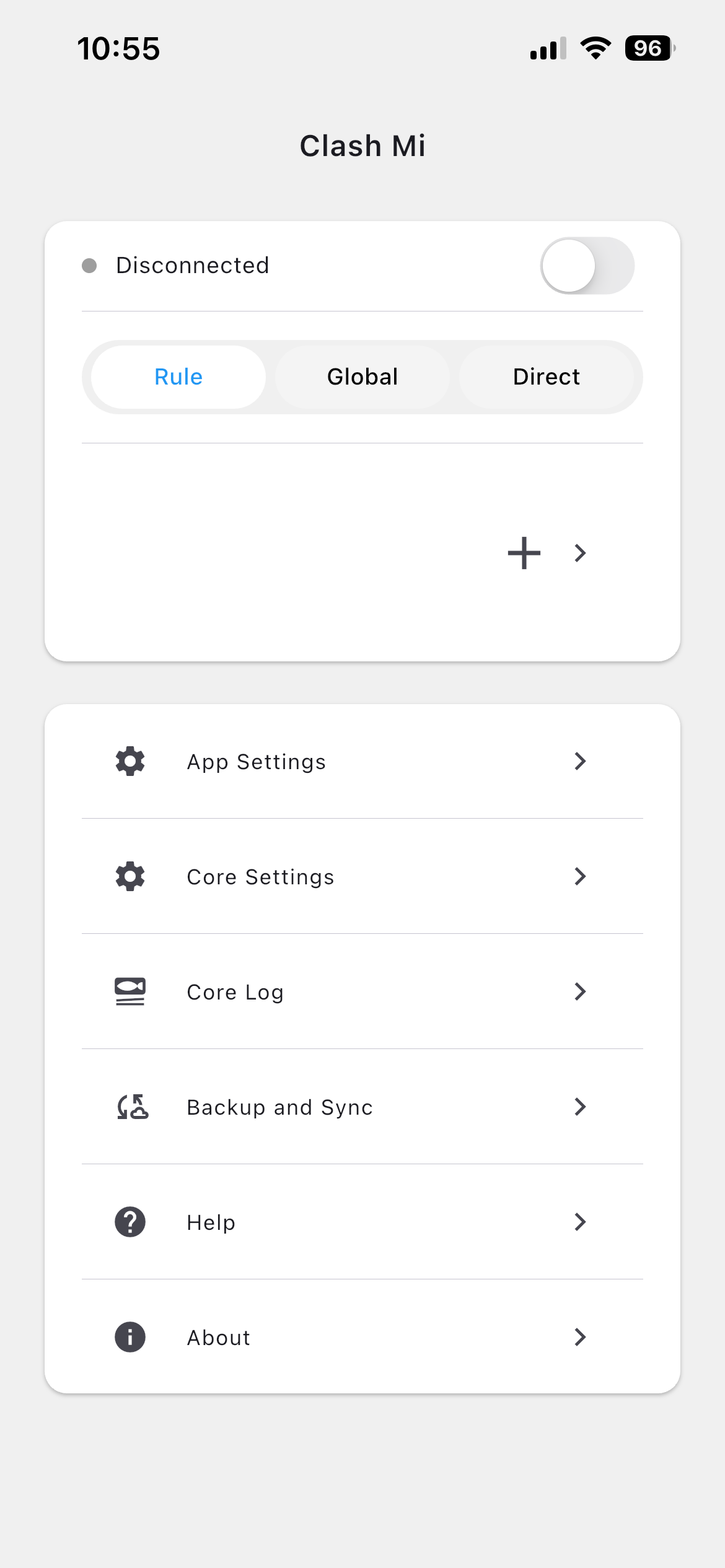
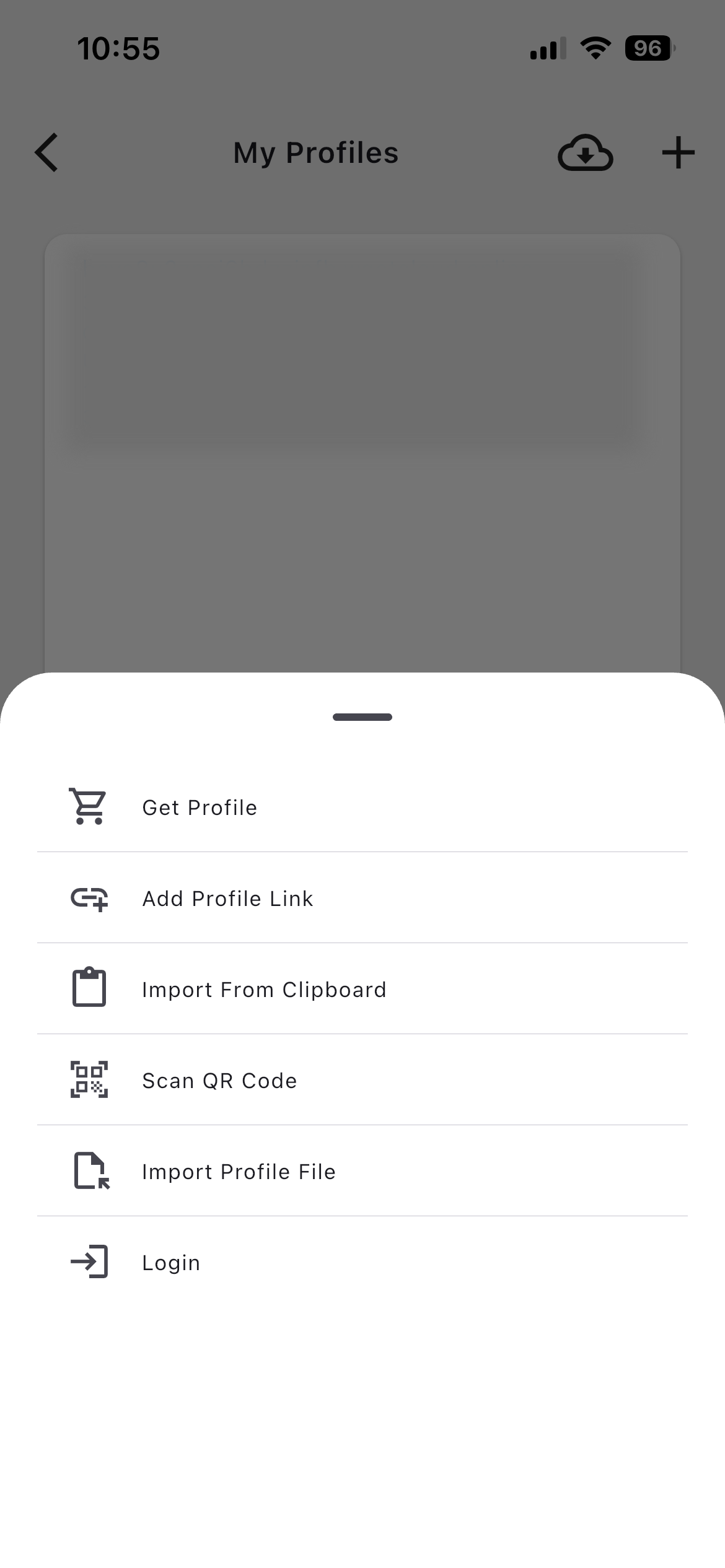
- Import into Clash Mi/Shadow-Rocket— open the app → go to My Profiles → tap + → Add Profile URL paste your OrbiVPN subscription URL or add YAML file → Save.
- Select the profile — tap the newly added profile in the list to activate it.
- Choose a server — go to the Proxies/Dashboard section and pick a server manually, or leave it on auto-select.
- Connect — return to Home and tap the round connect button. If prompted to add a VPN configuration, tap Allow.
- Verify — check the connection status on the home screen to confirm you're connected.